
Where can I find my Licence or Device-ID?
You will receive a licence as soon as you buy a product from us directly. You can find it for example in your Flymap L/XL or Flymap Win by selecting the licence screen from the menu.
When using our mobile versions (Iphone/Ipad and Android) your device will receive a Device-ID first. As soon as you buy a product from us, a licence number will be assigned to your Device-ID.
In the following, we will describe how you can find your Device-ID on your Iphone/Ipad. The steps are identical to our Android version.
Example: Iphone
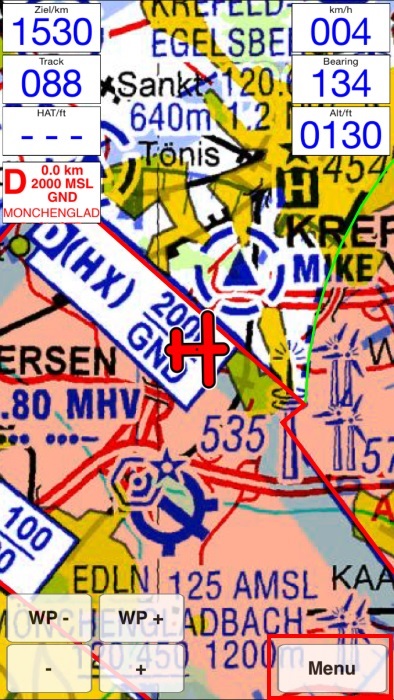
Step 1:
Press the menu button
Step 2:
Select the option "More" at the bottom right of the screen

Step 3:
Press on the Info row

Step 4:
On the second row from the top you can see your Device-ID. Should you already have a licence number, you can find it here as well.
